Ownership
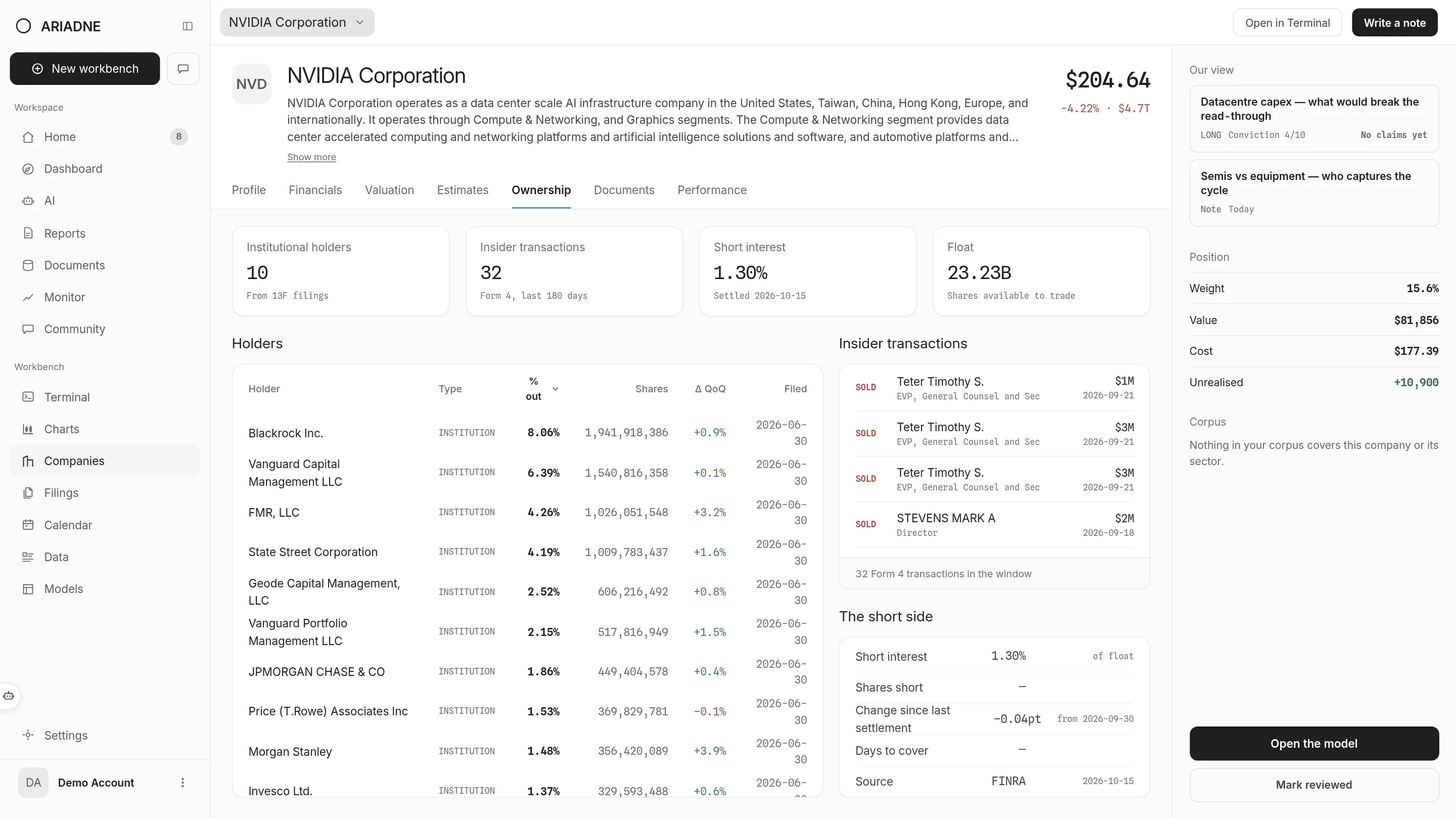
See who owns it, and who is buying.
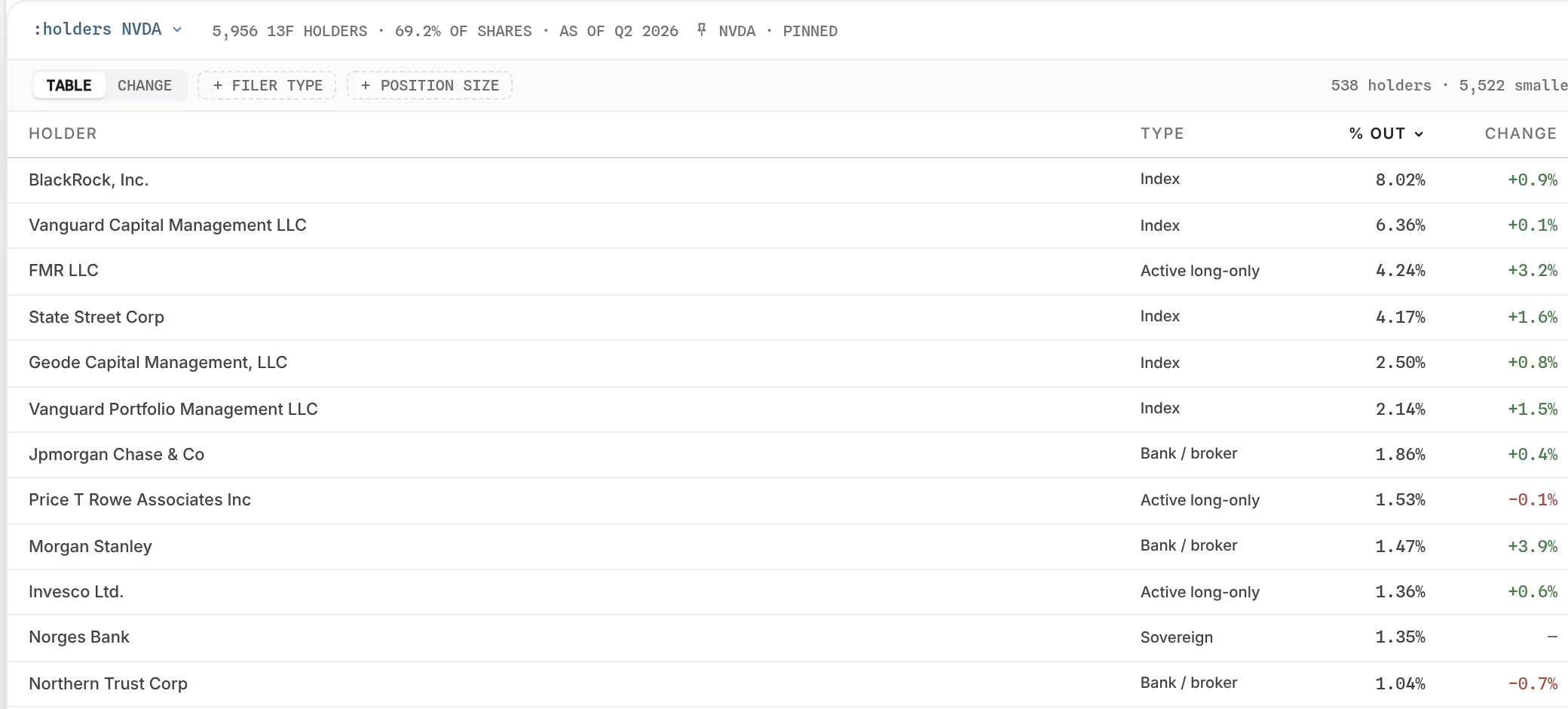
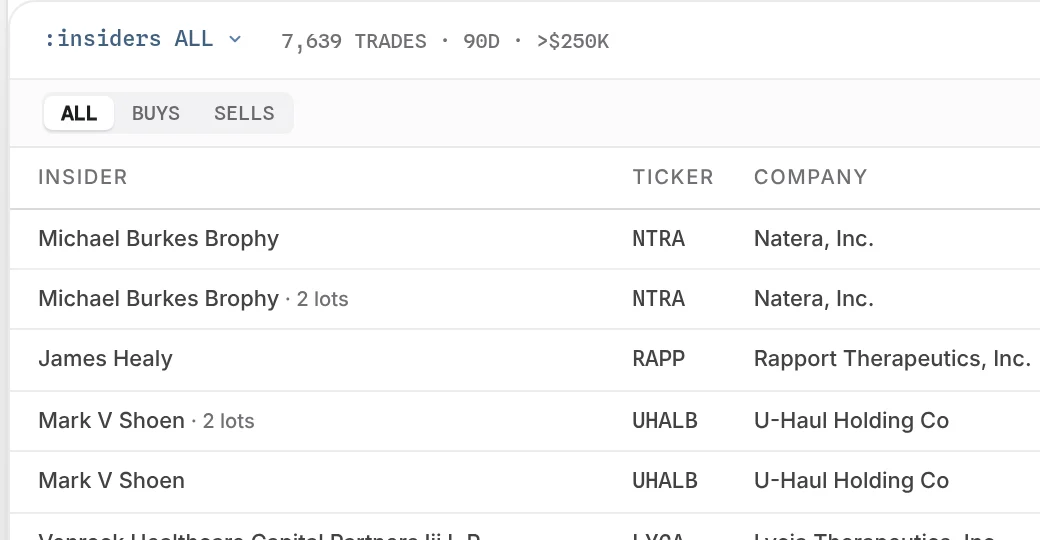
Fund holders and what they changed last quarter, and insiders as they file, for the company you are on.
One workbench for researching a stock, with an AI analyst that shows its work.
We email you to confirm and when sign-ups open. Privacy· Planned from $30 a month at launch
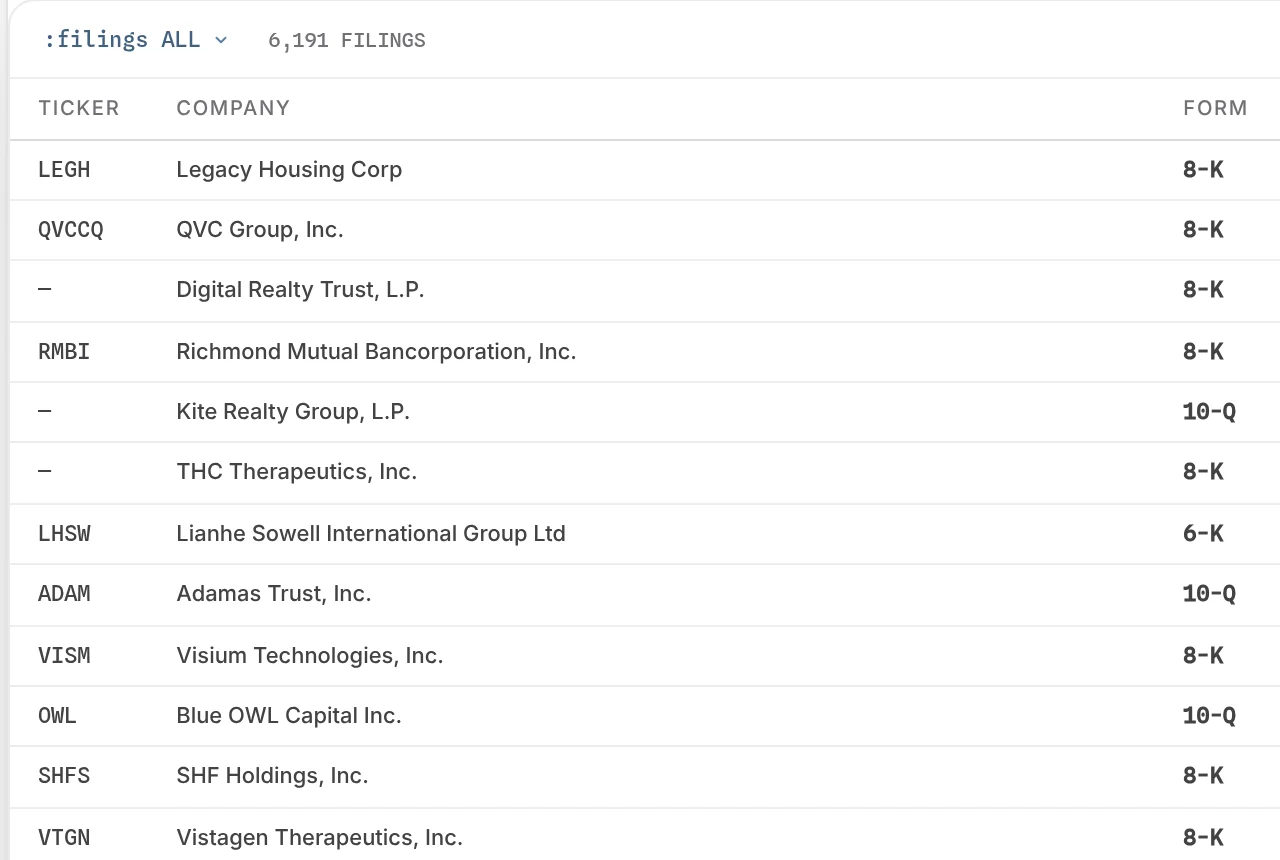
Click a filing to read it in the panel.
Fund holders and what they changed last quarter, and insiders as they file, for the company you are on.
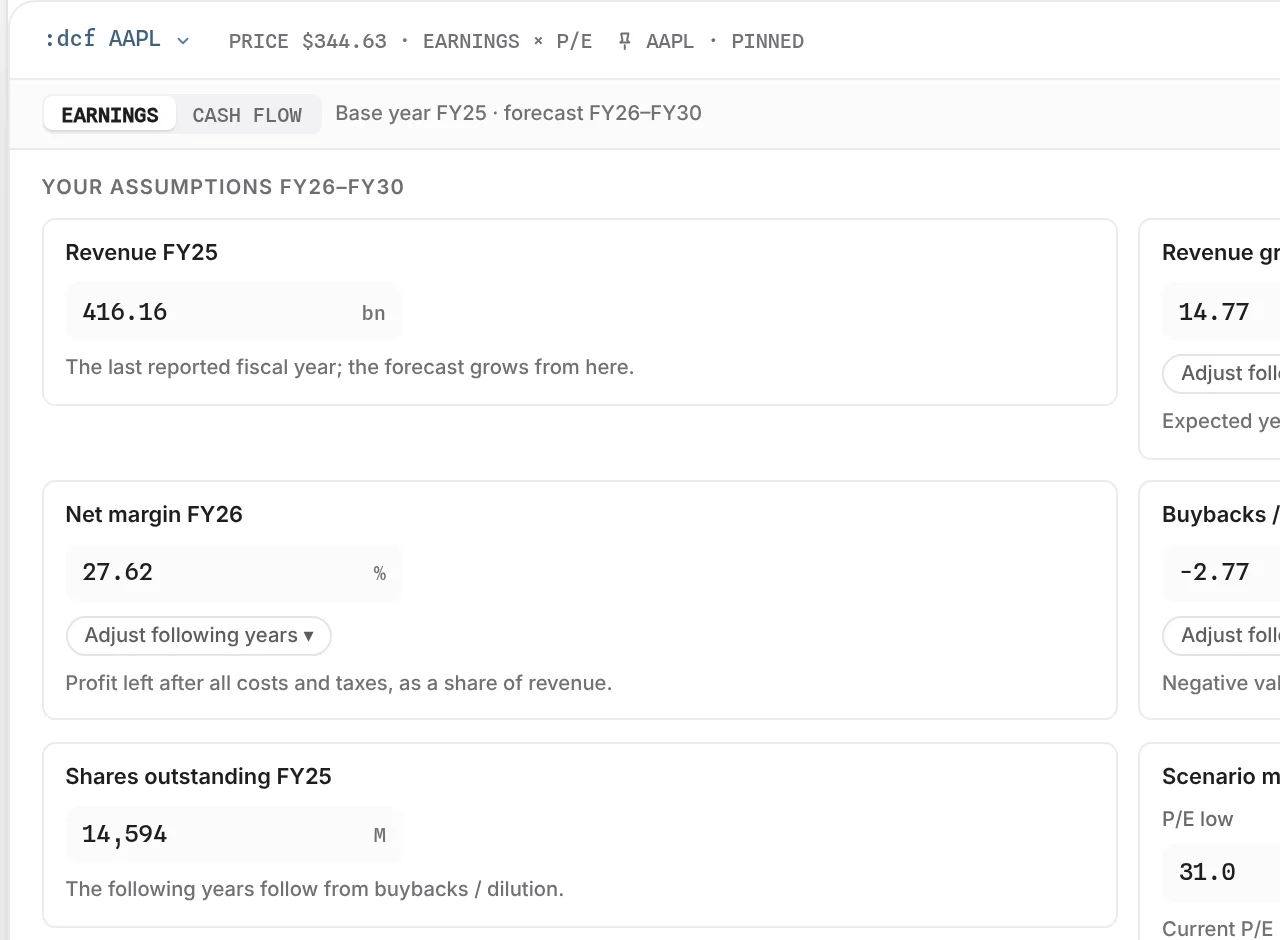
Five years of your assumptions, priced at a low and a high multiple.
Every 10-K, 10-Q and 8-K, with the source one keystroke behind the summary.
The chain with greeks, dealer gamma, the skew and where unusual size is going.
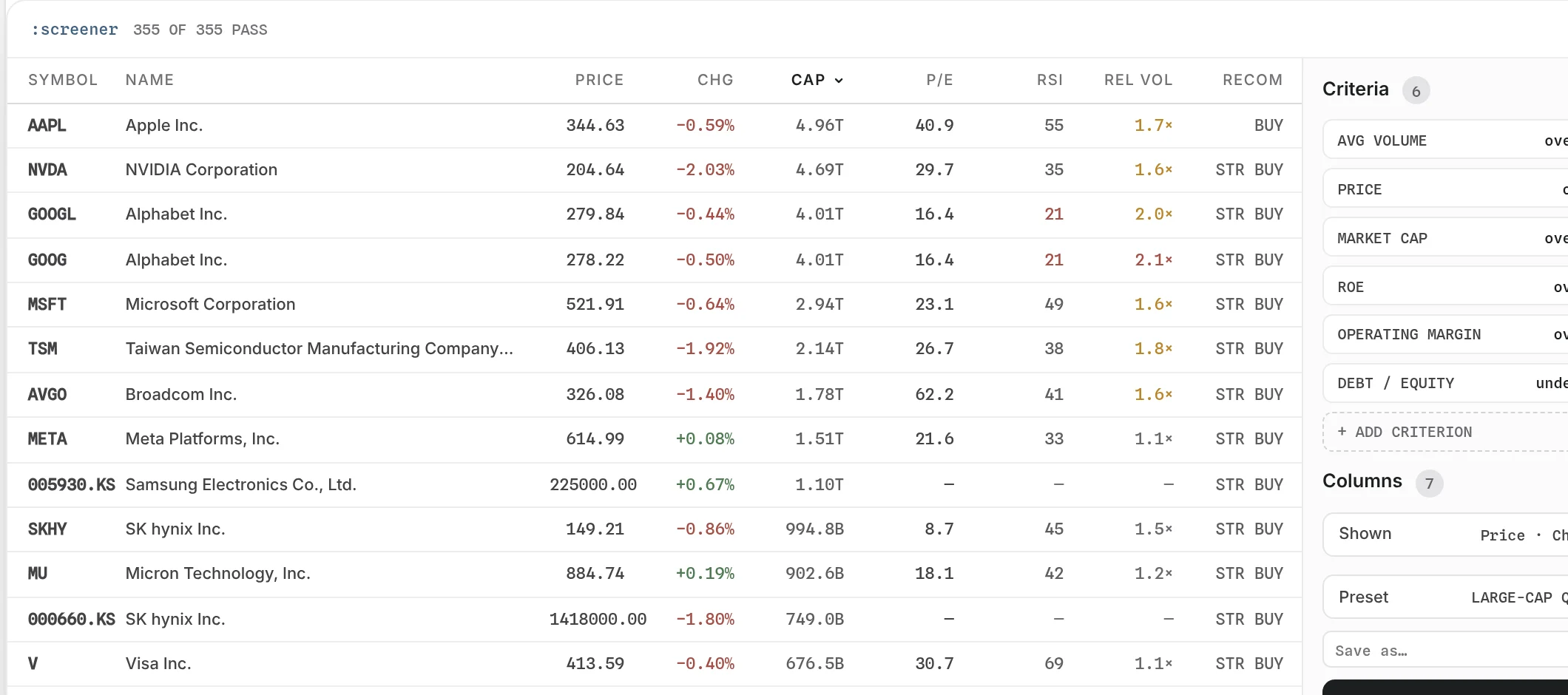
41 columns, 57 filters and 7 presets. Save a screen and run it again tomorrow, then open any name in every panel at once.
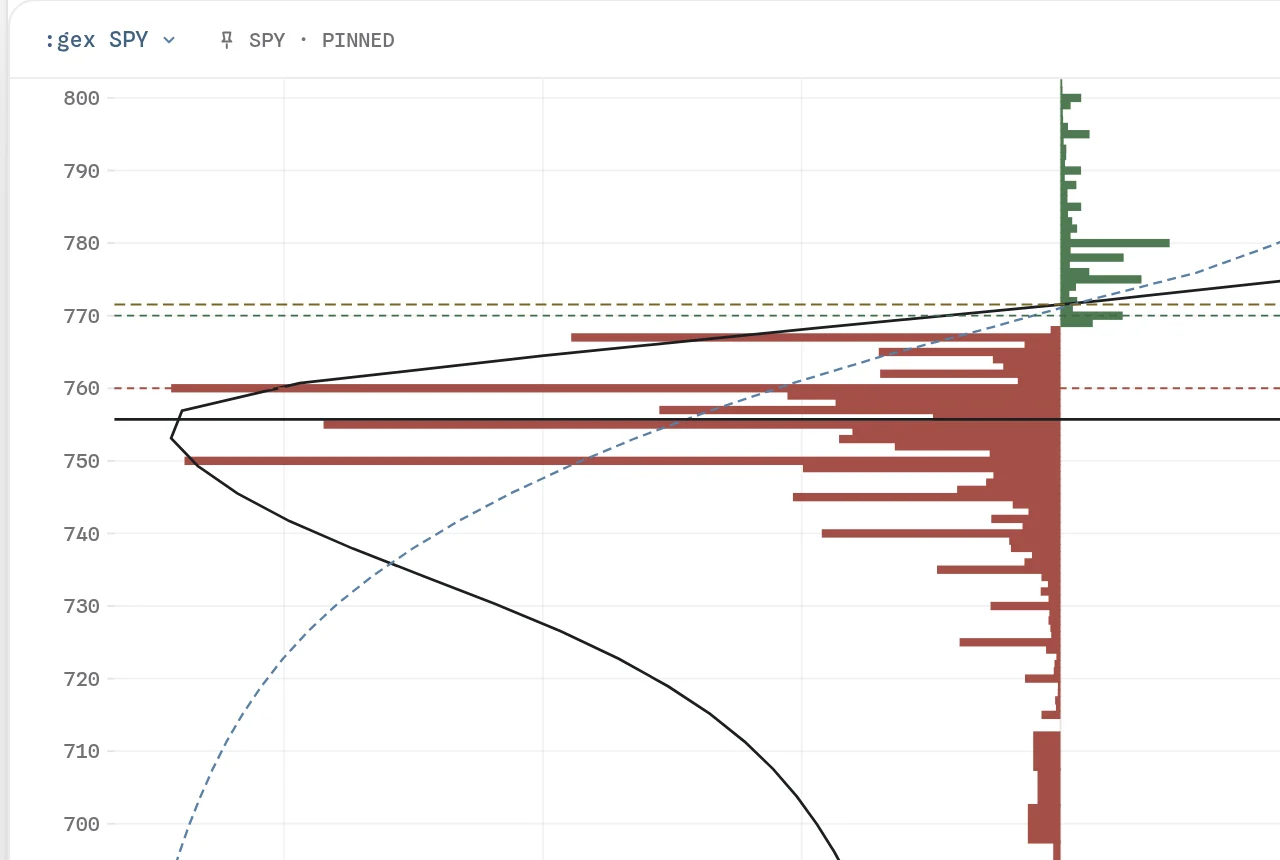
QuestionWhere is SPY positioning concentrated right now, and is the options market pricing the same risk?
Answer Spot is 755.72. The gamma flip sits at 771.54, above it, so on this reading SPY is trading in the region where dealer hedging tends to amplify moves rather than dampen them. The heaviest strike across the 8 expiries loaded is 767, with 50,225 contracts, most of them puts.
Panels behind the figuresGamma exposure · Options chain · Volatility skew
What the data could not settle Whether a 0.15 point put skew is high or low for SPY, because this is one reading and not a history, and whether the concentration at 767 is a hedge or a view.
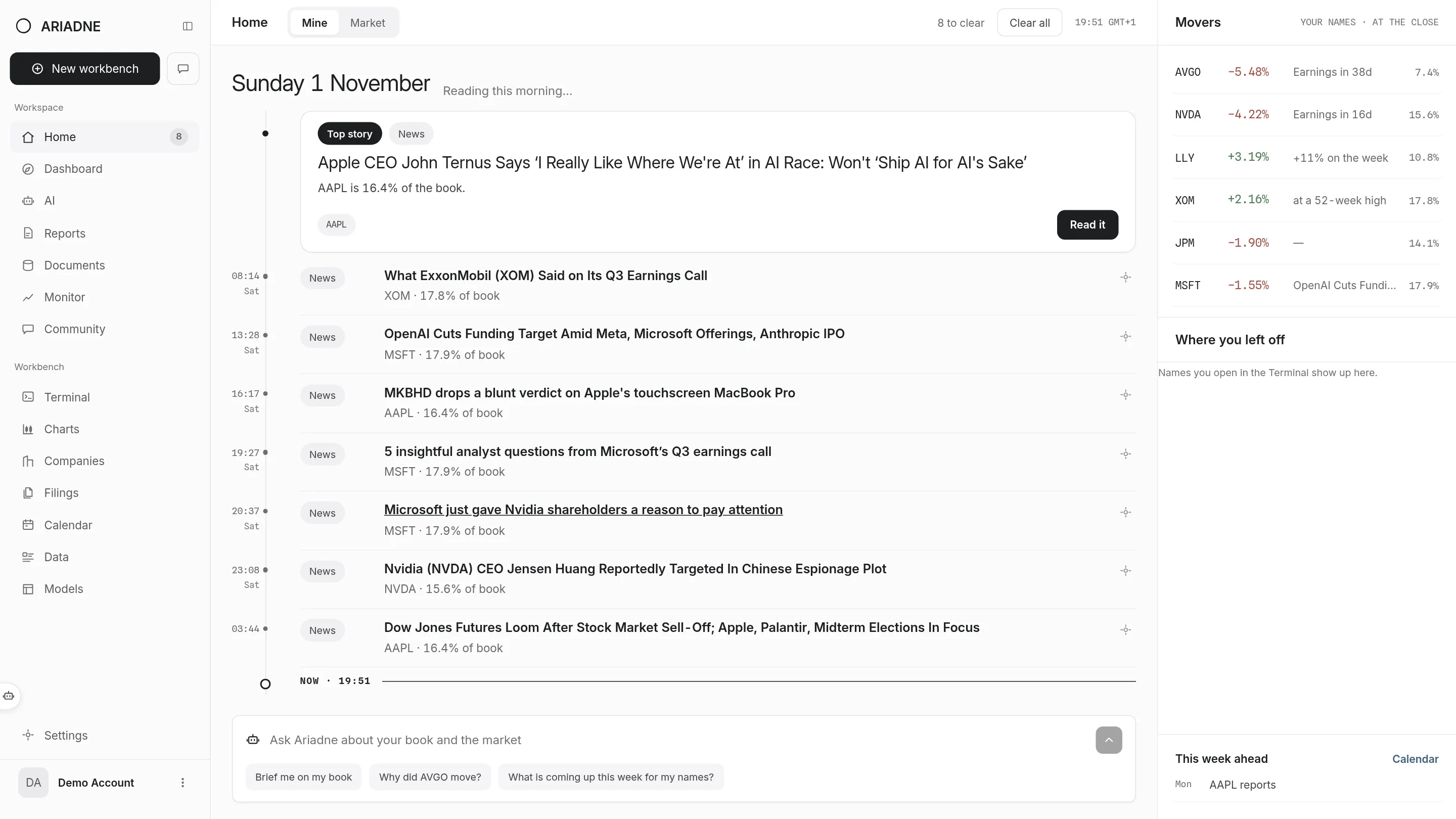
What your names did at the close, who reports this week, and the latest news on them.
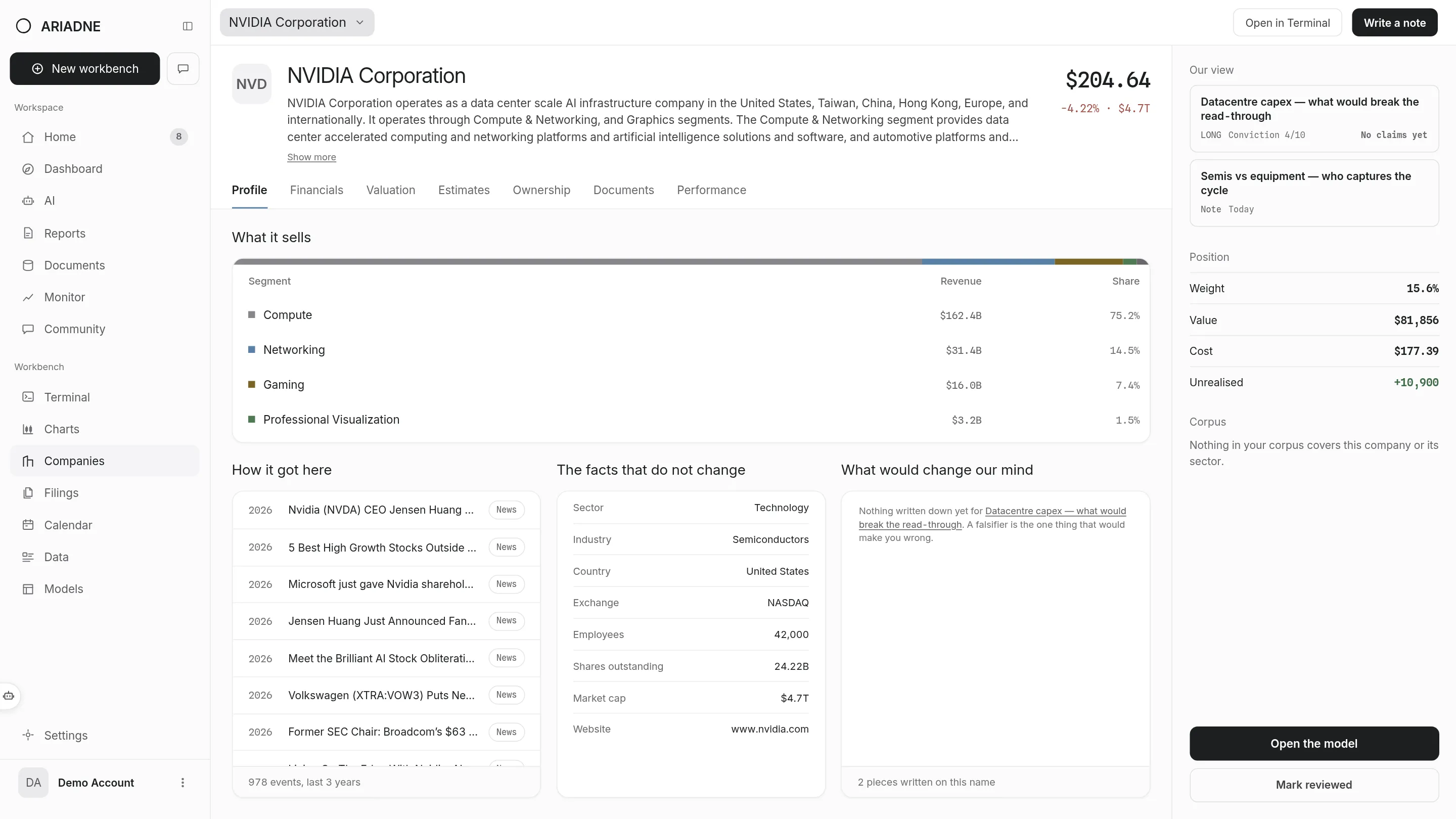
What it sells, its history and key facts, with your thesis and position beside them.
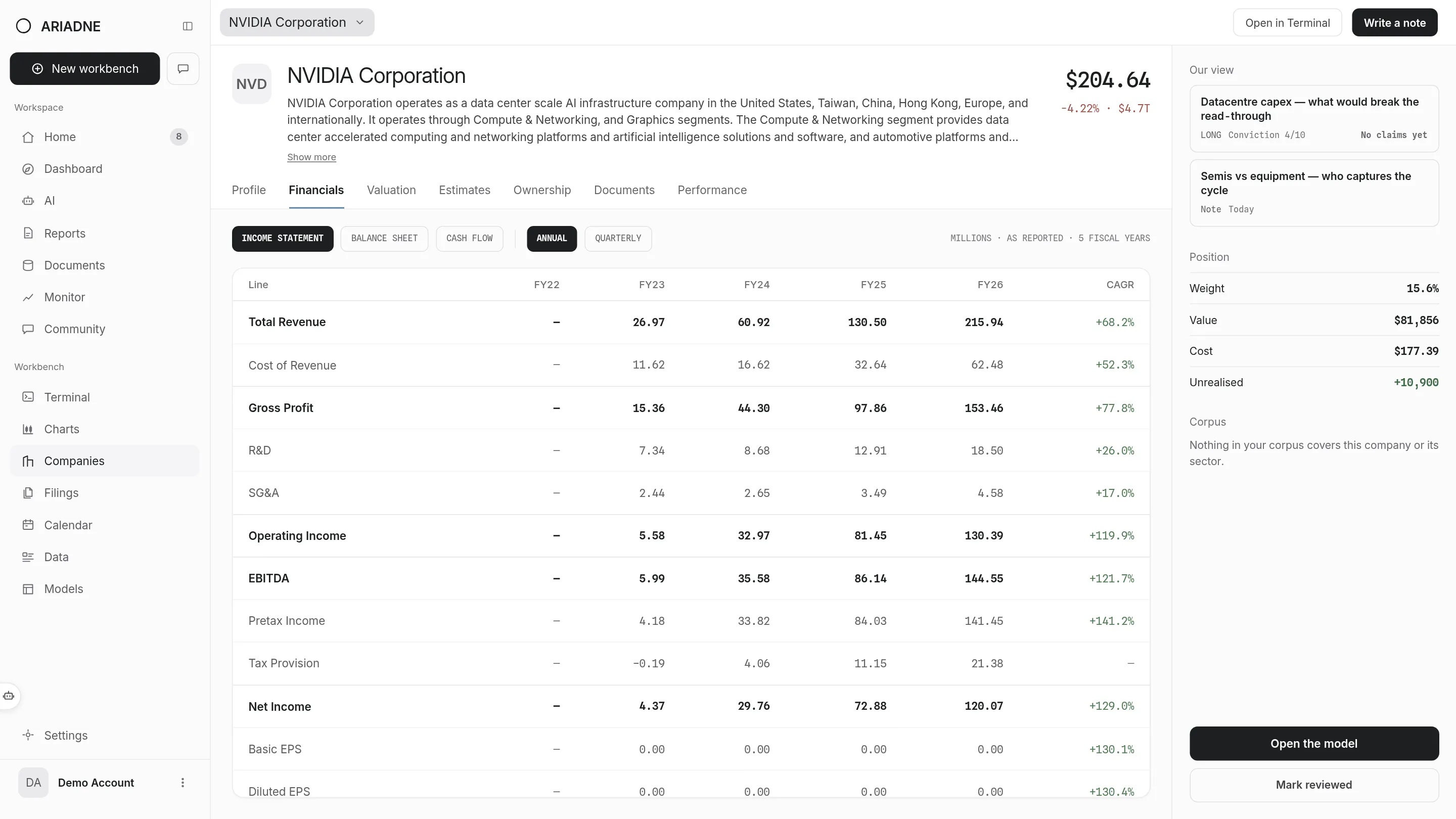
Income statement, balance sheet and cash flow, five years side by side, annual or quarterly.
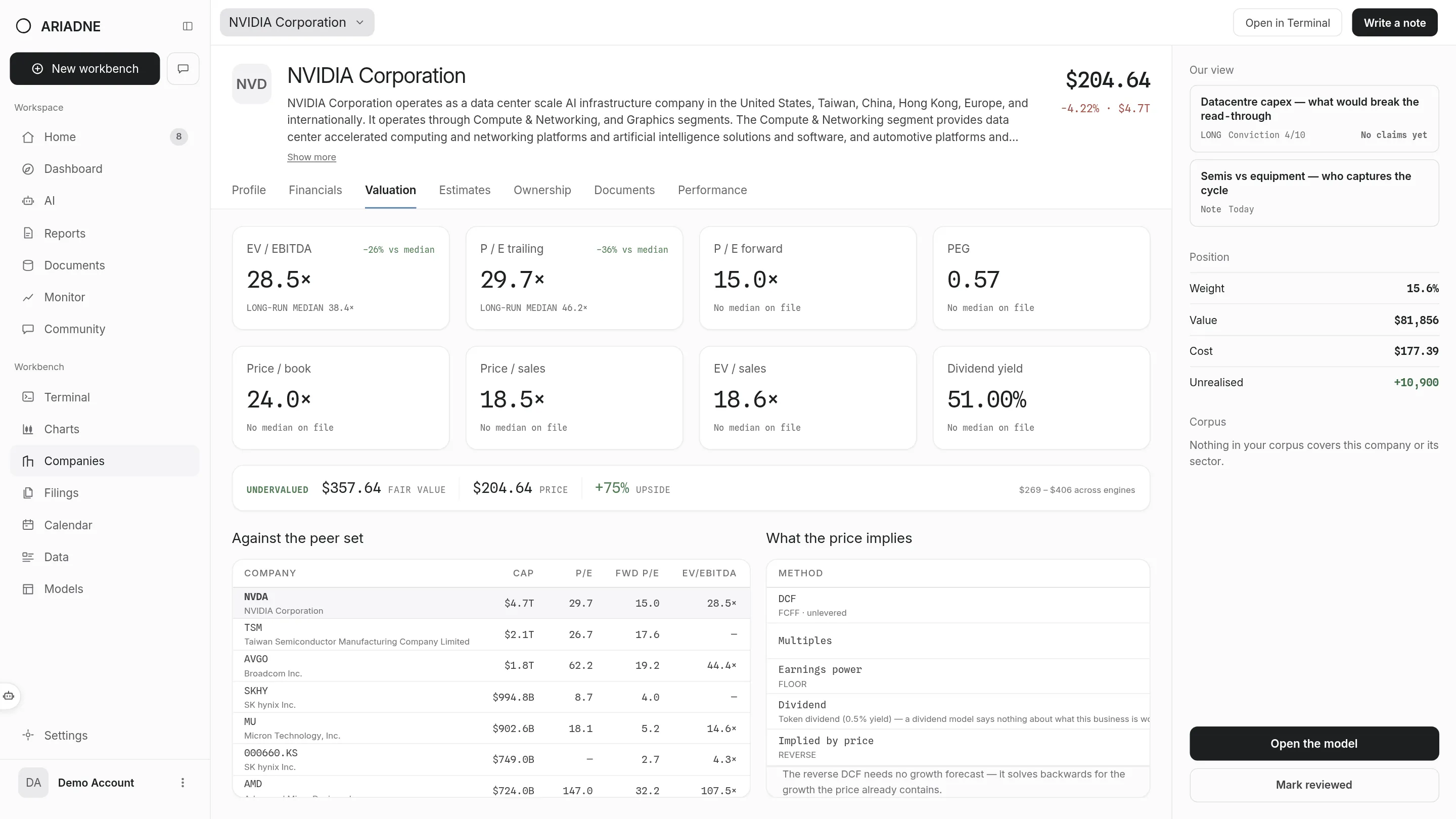
Multiples against the company’s own history and its peers, and what today’s price already implies.
13F holders and their changes last quarter, insider trades and short interest.
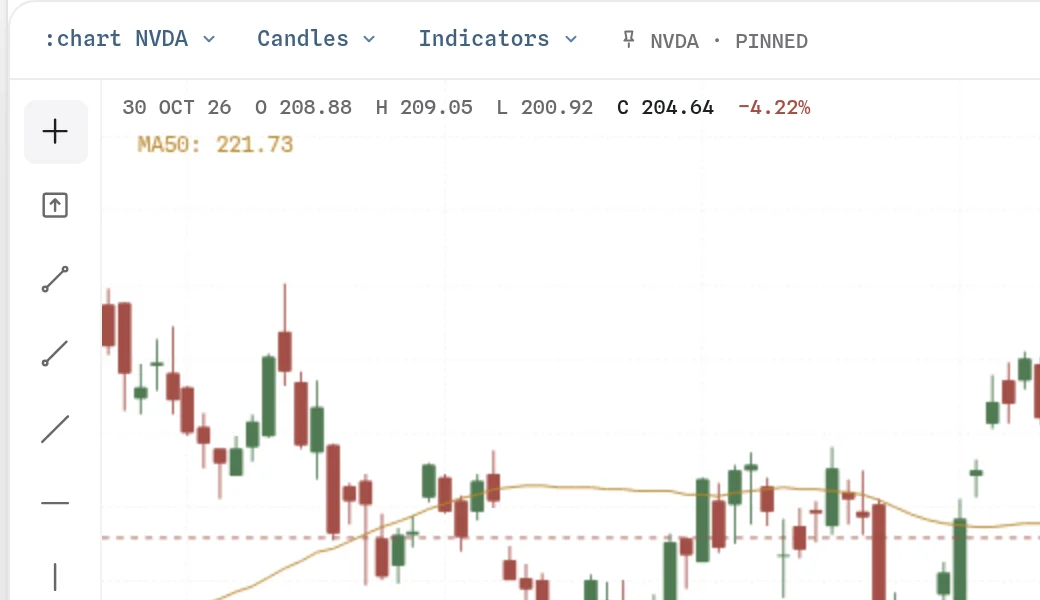
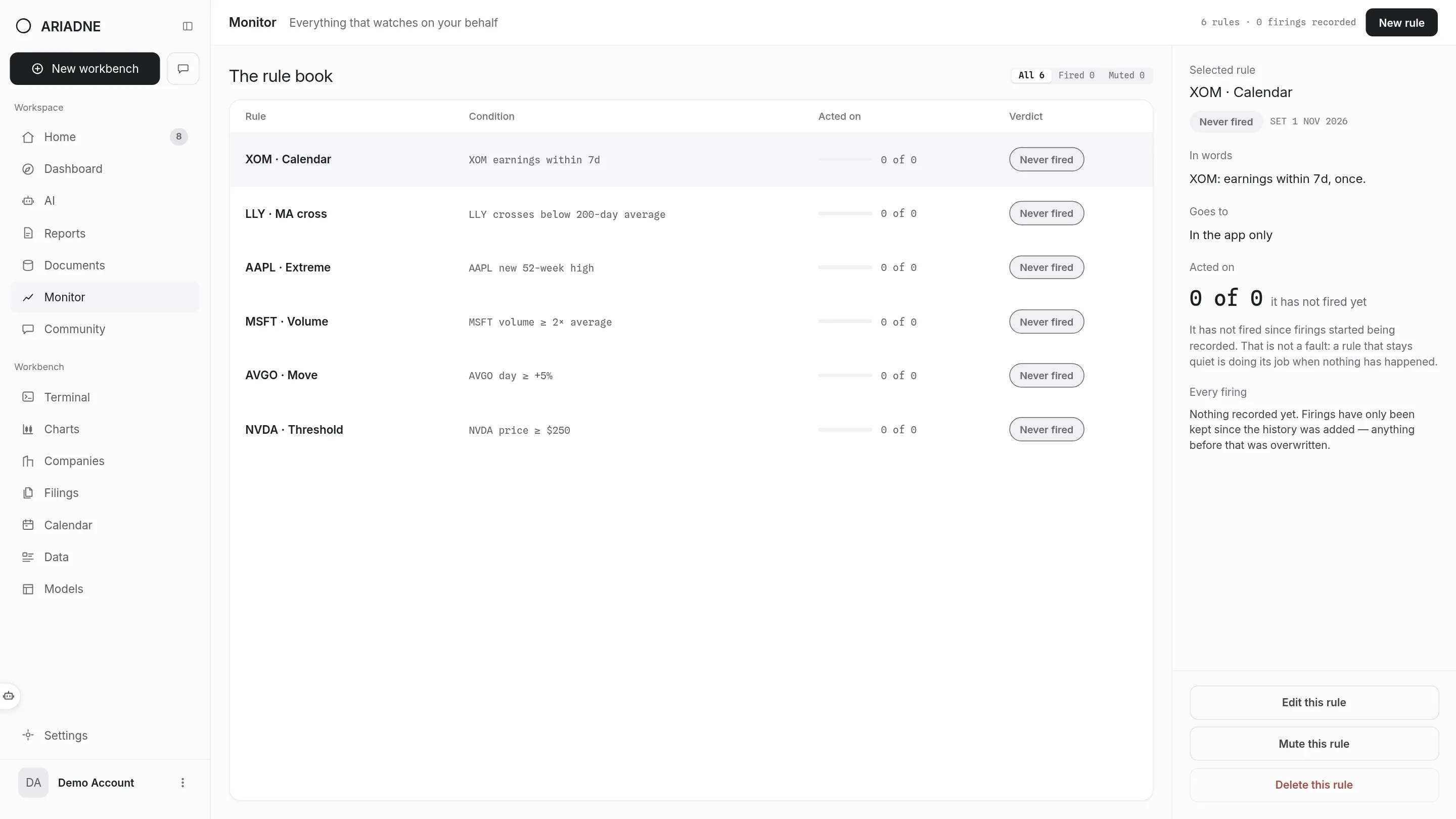
Any of the 50 panels side by side on one company. Here, the chart, insiders and filings.
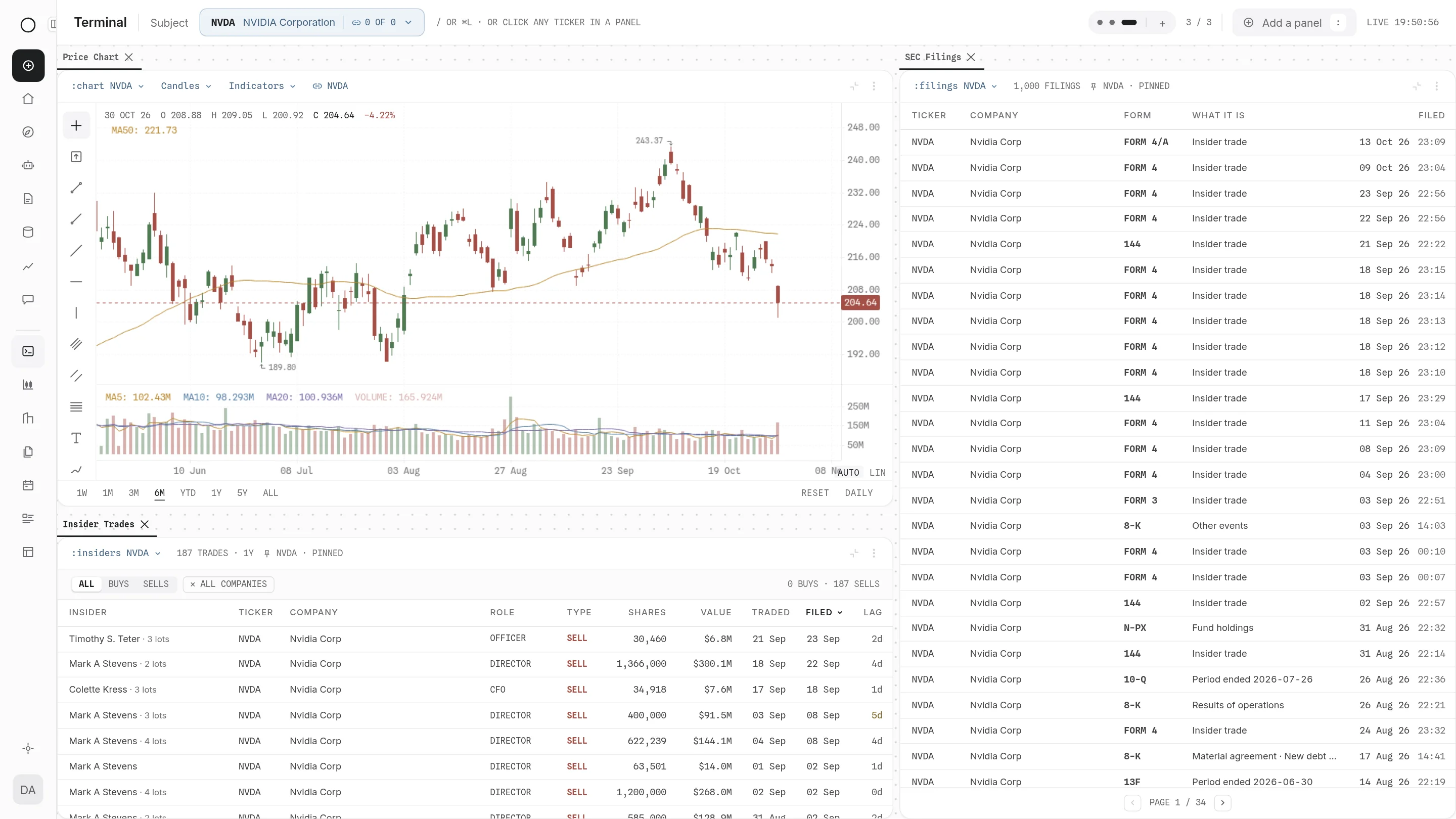
Theses with what would prove them wrong, plus catalysts and notes, each linked to its tickers.
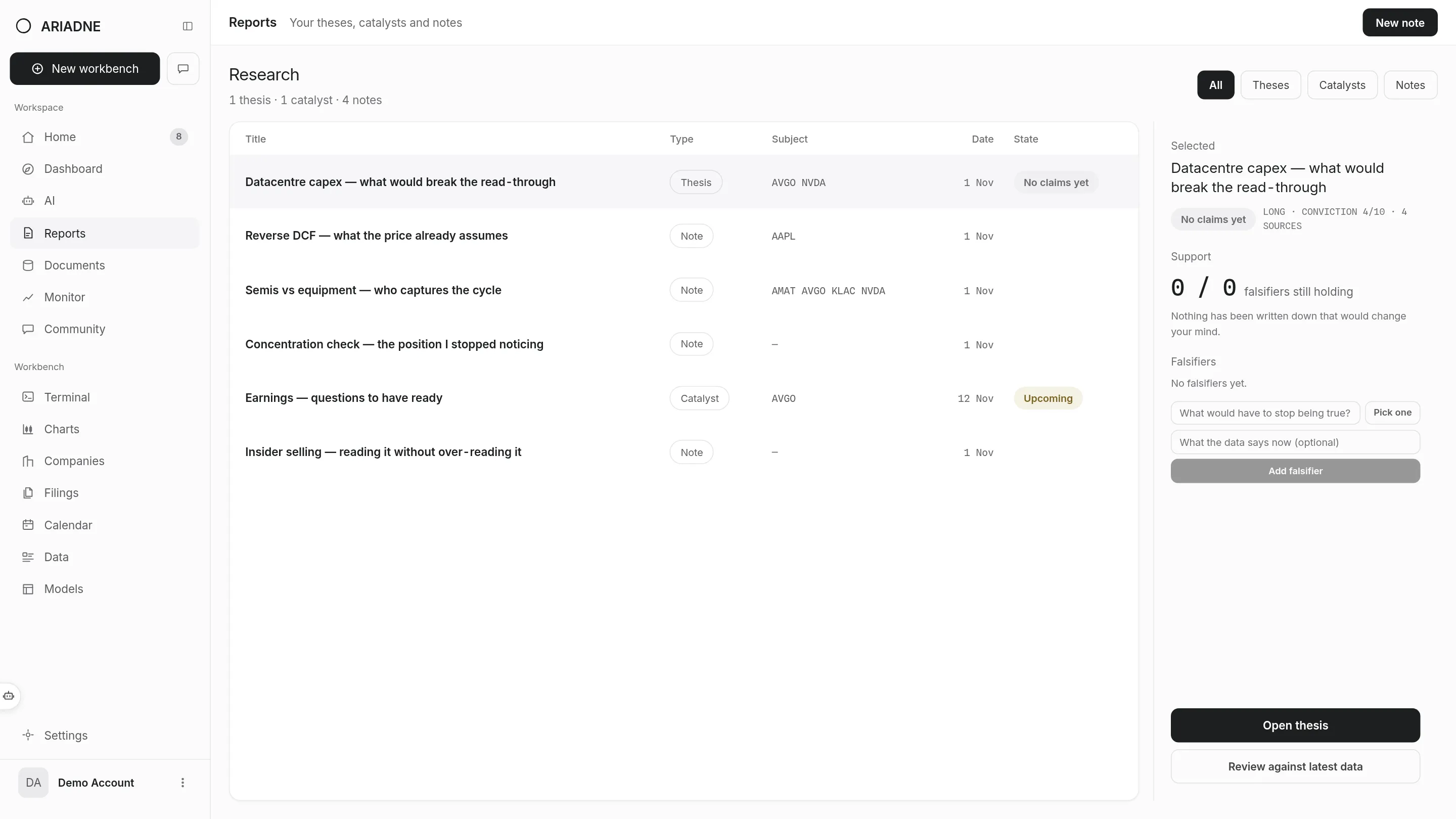
Rules watch your names for upcoming earnings, moving-average crosses, new highs or a price you set.
You read the 10-K, build your own model and want ownership and estimates next to it.
You check positioning before an entry: the chain, dealer gamma, the skew, where unusual size is going.
You join EDGAR, a screener and a valuation sheet by hand. Here they are already in one place.
No advertising cookies and no ad networks. Visits are counted as totals, never per person.
Notes, library and portfolio are visible to your account alone.
A quarterly disclosure is never mistaken for something current.
$30/mo
The whole terminal, with enough AI analyst questions for regular use.
$50/mo
The same terminal, for heavy use of the AI analyst.
Planned launch prices. Nothing can be bought yet.Compare plans →
The waitlist gets in first. We email you once to confirm your address and once when sign-ups open.
People who research companies themselves: reading filings, checking who owns a stock, building a valuation, keeping a thesis. It is a research tool, not a tip service.
Ask a question in plain language and it works through the terminal's own data (prices, filings, ownership, options and your notes) with 64 tools, then answers with the source behind each figure. It can also open the panel you need.
Yes. Record your trades or import a broker statement, and your holdings, performance and daily briefing follow from them.
It is built around it. Any panel opens from a short command such as :screener or :ai, and you arrange panels on your own canvas. The mouse works everywhere too.
The terminal keeps working. Panels, screens, alerts and watchlists are planned to be unlimited on every plan. Only the AI analyst will be metered, and it waits until your allowance resets.
Yes. Your notes, library and portfolio are visible only to your account, and the AI analyst reads them only when you ask. You can erase the account and everything in it from Settings at any time.
Yes. You will be able to cancel any time from the account panel in the app.
No. It helps you find and check ideas, with the source one click behind every figure. The decision is yours.